
The four ways to see a countdown without opening the app
See it in action
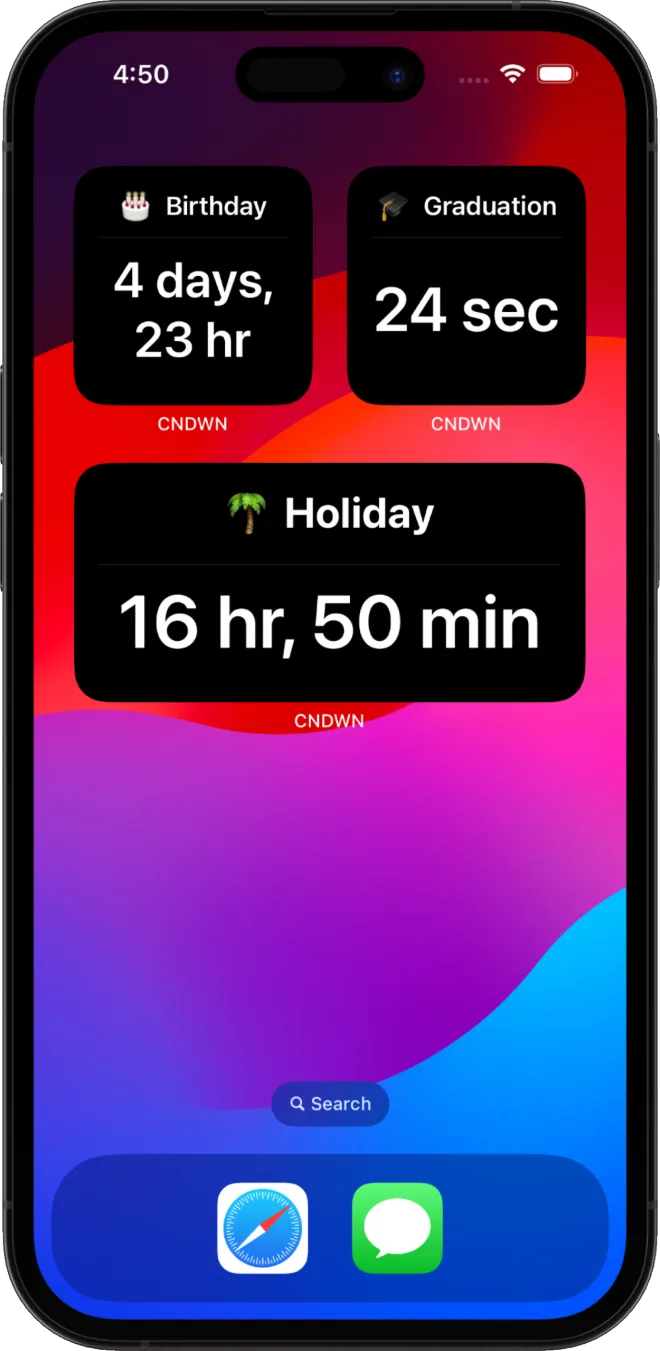
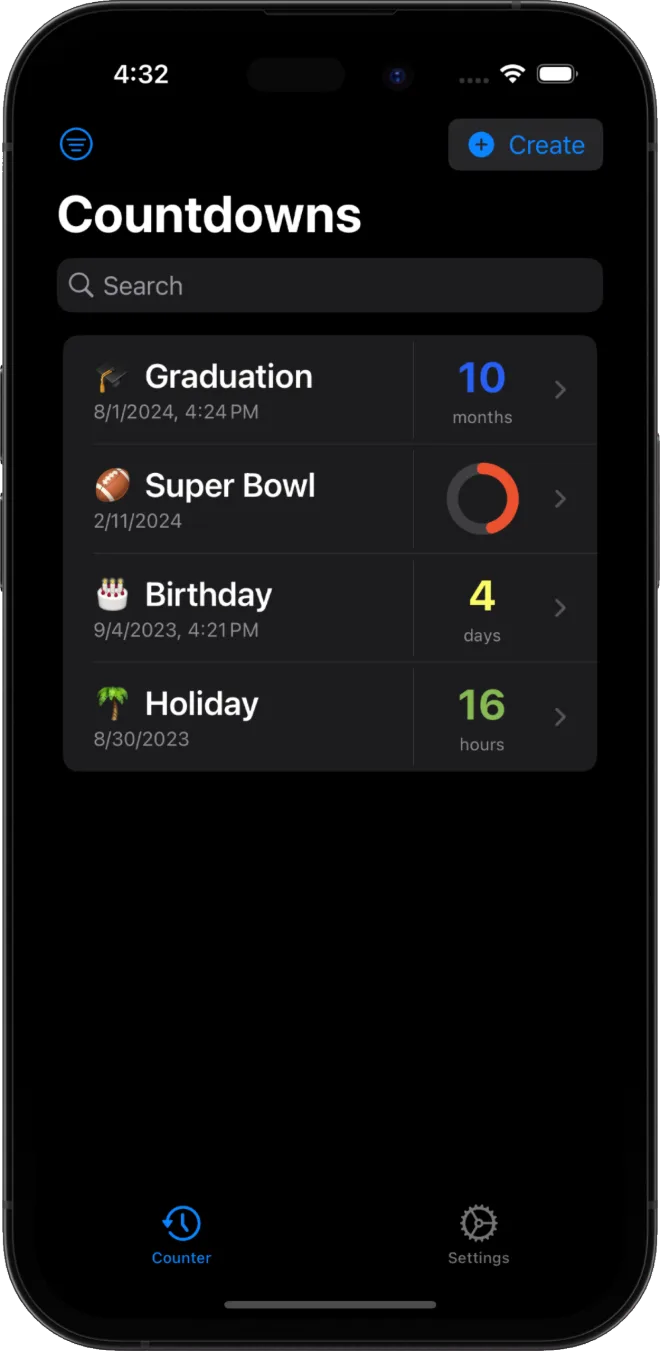
How to add a countdown widget with CNDWN
Create a countdown in CNDWN, then long-press your Home Screen or Lock Screen, tap Add Widget, search for CNDWN and choose a size. CNDWN's widgets, Live Activities and StandBy support are all free, with no ads or trackers. Looking for the right app first? See our best countdown app for iPhone guide.
Frequently asked questions
Does iOS have a built-in countdown widget?
iOS does not include a dedicated countdown widget for arbitrary events out of the box. A countdown app like CNDWN adds Home Screen, Lock Screen and StandBy widgets that count down to any date you choose.
What is the difference between a widget and a Live Activity?
A widget sits on your Home Screen, Lock Screen or in StandBy and updates periodically. A Live Activity is a real-time, temporary display that appears on the Lock Screen and in the Dynamic Island while an event is actively approaching or in progress.
Can I put a countdown widget on my iPhone Lock Screen?
Yes. Since iOS 16, you can add widgets directly to the Lock Screen. Countdown apps like CNDWN support Lock Screen widgets that show the time remaining until your chosen date.